Follow these steps to change your Plesk account's contact details.
1. Log in to your Plesk account.
2. Click on Account from the Sidebar Menu.

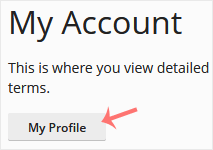
3. Click on My Profile.
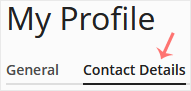
4. Click on Contact Details.
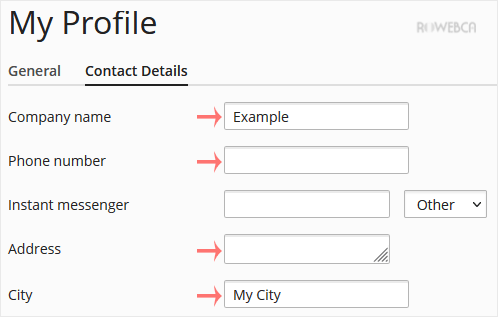
5. Update the details as per your requirements.
6. Click Apply.

You will see a success message signifying that your Plesk contact details have changed.