You can use CloudLinux Selector to enable or disable the allow_url_fopen directive in cPanel.
1. Log in to your cPanel account.
2. In the Software section, click on Select PHP Version.

3. Click on the Options menu.

Note: If the Options page shows an error related to the native PHP version, change it to a non-native version first.
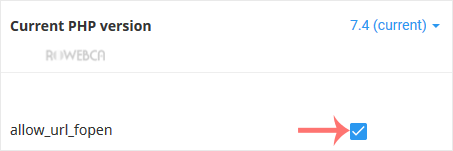
4. For enabling allow_url_fopen, checkmark it. For disabling it, uncheck it.